

Buying a Home with a Control4 System? Here's What You Need to Know
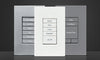
It's spring selling season, and "full home automation" is appearing in more Sydney listings every week. If you're inspecting a home with a Control4 system — keypads instead of switch banks, touchscreens on walls, a rack in the garage — you're looking at something that cost the owner anywhere from $30,000 to well past $200,000. The question is what it's worth to you, and the honest answer is: it depends on a handful of things you can check before auction day. Here's the buyer's guide we wish every agent handed out.
The Good News First: The System Stays
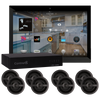
A Control4 system is installed infrastructure — wiring, keypads, touchscreens, controllers, speakers, racks — and conveys with the property like the kitchen does. Unlike a DIY setup that leaves with the seller's account, a professional system keeps running for whoever holds the keys. Lights, scenes, audio and climate will work on day one. What doesn't automatically transfer is everything around the hardware: the programming knowledge, the dealer relationship, any subscriptions, and the streaming and camera accounts logged into it. That gap is where new owners get stuck — and it's entirely fixable.
What to Check Before You Buy
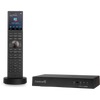
- Which controller runs the house? This is the single best indicator of the system's age and headroom. A current CORE-series controller means a modern platform with a long runway; an EA-series controller means a healthy system with some upgrade decisions ahead; an older HC-series controller means the automation works but is living on borrowed time and should be priced accordingly. The model number is printed on the unit in the rack — photograph it at inspection.
- Is there documentation? Ask the agent for the system schedule: what's installed, where, and who installed it. A seller who can produce documentation almost always owned a well-maintained system. No paperwork isn't fatal — but it moves work (and cost) to you.
- Is the installing dealer still active? If yes, handover is simple. If the dealer has vanished — it happens — you'll want a new one, which is a normal, routine thing to arrange (more below).
- Any subscriptions? Ask whether the home has Control4 Connect (or legacy 4Sight) for remote access, and any alarm monitoring contracts. These are the seller's accounts; you'll establish your own.
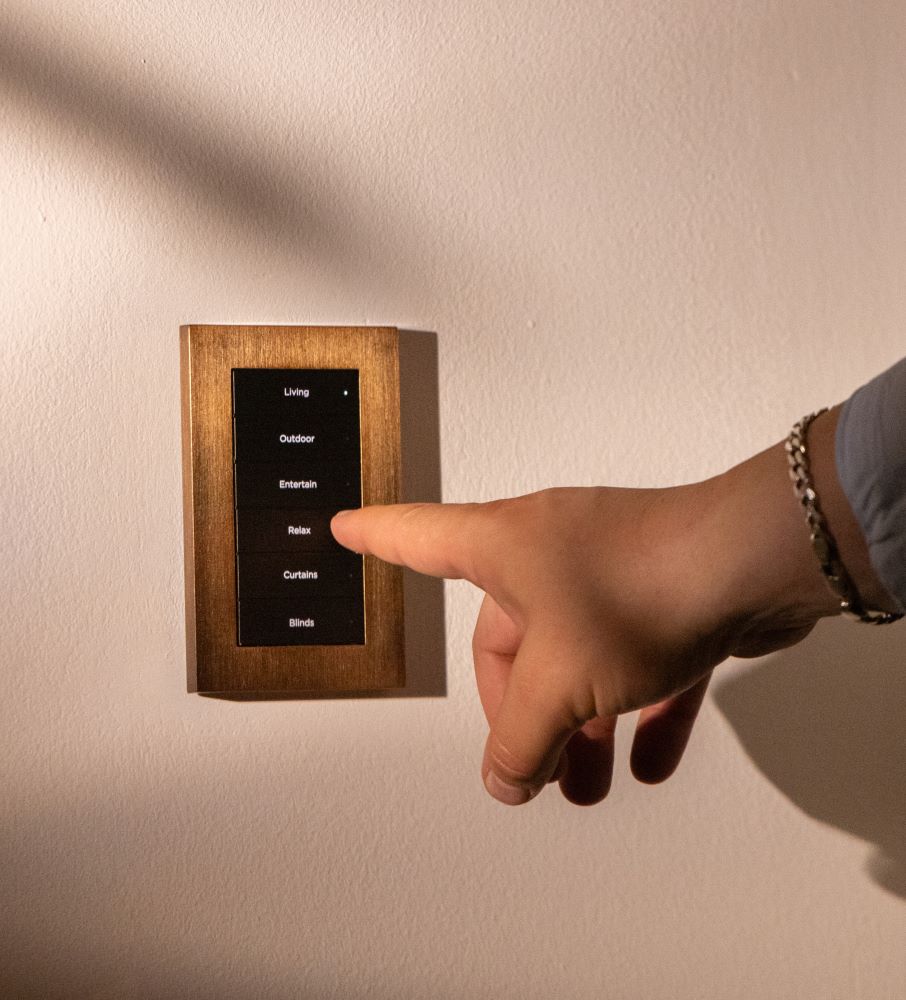
- Does it all actually work? At the pre-settlement inspection, press things. Keypad scenes, a touchscreen, music in two rooms, the intercom. Five minutes of button-pressing beats any listing copy.
After Settlement: The Takeover
Whether or not the original dealer is around, your first move is the same: have a Control4 dealer take over the system. We do this regularly for homes we didn't install, and a takeover looks like this:
- Credentials and security reset. The system, remote access and any cameras move to accounts you own. The previous owner — and their cleaner's door code — no longer have access. Do this in week one, for the same reason you'd re-key the locks.
- System audit. What's installed, what firmware it runs, what's healthy, what's near end-of-life. You get a documented picture of the asset you just acquired — often the documentation the seller never had.
- Reprogramming to your household. The scenes reflect how the previous family lived. An afternoon of programming makes the house yours: your wake times, your "goodnight", your music, your kids' rooms.
- Upgrade path, honestly assessed. If the system predates Control4's current X4 platform, we'll tell you what an upgrade involves and whether it's worth doing now or later — the free X4 readiness check answers this in about fifteen minutes, remotely.
What This Costs — and What It's Worth
A takeover with credential reset and audit is a modest, single-visit exercise; reprogramming to your household typically adds a few hours to a day of work depending on the system's size. Set against tens of thousands of dollars of installed infrastructure conveying with the house — infrastructure that would cost far more to install today — an inherited Control4 system in working order is one of the better bargains in the property. It becomes a bad bargain only when it's ignored for two years and then blamed for not working like it belongs to you.
If you're weighing up a specific property, our guides to what Control4 actually is and what smart homes cost in Australia will calibrate what you're looking at — and why the listing agent is right to make a fuss about it.
Frequently Asked Questions: Buying a Control4 Home
Can you take over a system another company installed?
Yes — routinely. Control4 systems are dealer-serviceable by any authorised dealer, and takeovers of homes we didn't install are a normal part of our week. The audit is the starting point either way.
The seller can't provide any passwords or documentation. Is that a dealbreaker?
No. Dealer tools allow a proper takeover and credential reset even without the previous owner's accounts. It adds some work to the first visit, but we've recovered plenty of orphaned systems — including ones abandoned by defunct installers.
Does a Control4 system add to the property's value?
Agents certainly think so — automation now features prominently in premium listings. Practically: the buyer inherits infrastructure that would cost significantly more to install from scratch today, which is real value even before the lifestyle argument. An old, neglected system adds less; a documented, current one adds most — which is also advice for sellers.
Should I upgrade an older system straight away or live with it first?
Live with it for a few weeks after the takeover — you'll learn what you actually use and what annoys you, which makes the upgrade conversation concrete instead of theoretical. The exception is security: credentials, cameras and access codes get sorted immediately, not eventually.