

Wired vs Wireless Smart Home: Which Is Right for Your Australian Home?
One of the first questions that comes up when planning a smart home — especially in a new build or major renovation — is whether to go wired or wireless. The answer shapes everything that follows: the systems you can use, the reliability you can expect, the disruption during installation, and the flexibility you'll have down the track. There's no universal right answer, but there are clear guidelines for different situations. Here's how it breaks down for Australian homes in 2026.
What "Wired" and "Wireless" Actually Mean
In smart home terms, "wired" usually refers to systems where the control signals travel over dedicated cable infrastructure — separate from the electrical wiring. Examples include:
- KNX: A European open standard using a dedicated twisted-pair bus cable to connect all devices
- DALI: A digital lighting protocol using a two-wire bus for addressable lighting control
- RS-485 / Modbus: Industrial protocols used for HVAC, energy meters, and building management
- Control4 wired: Control4 systems using CAT6 to connect controllers, switches, and audio endpoints
"Wireless" systems communicate over radio frequency:
- ZigBee: Low-power mesh network used by Philips Hue, IKEA, Aqara, and many others
- Z-Wave: Mesh protocol popular for smart locks, sensors, and lighting
- Wi-Fi: Consumer smart devices (smart plugs, cameras, doorbells) that connect directly to your router
- Thread / Matter: The newer standard backed by Apple, Google, Amazon, and Samsung, designed to be interoperable
- Control4 SDDP / ZigBee: Control4's wireless lighting and device control layer
- Lutron Clear Connect: Lutron's proprietary RF protocol for RadioRA and Homeworks systems
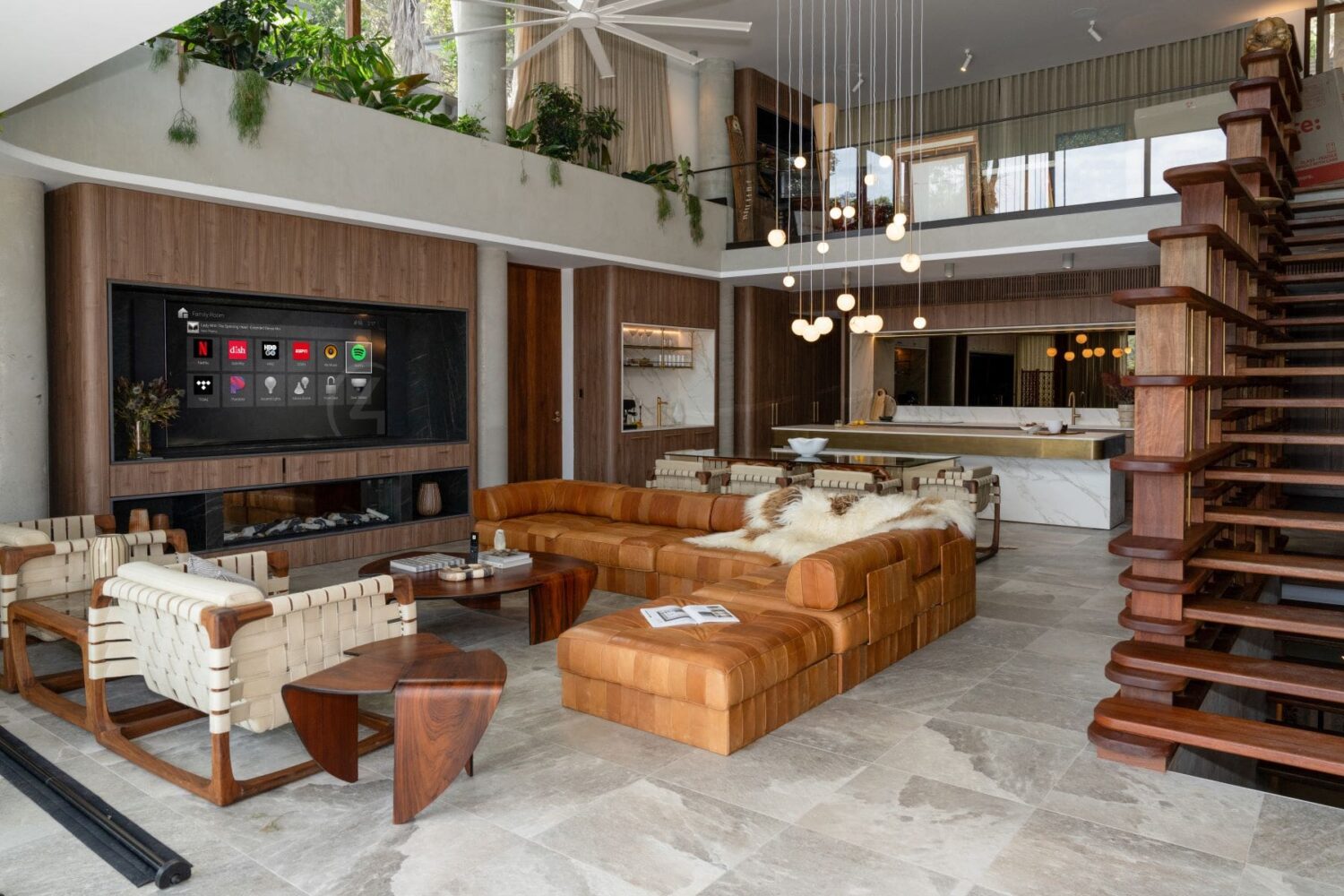
Most professional smart home systems in Australia use a hybrid approach — wired infrastructure (Ethernet, speaker cable) with wireless device control layered on top. A properly designed Control4 system, for example, uses a wired Ubiquiti UniFi Ethernet network as its backbone, with wireless keypads, sensors, and devices communicating over ZigBee. The critical communications are on a fast, stable wired network; the user-facing devices have the flexibility of wireless installation.
Wired vs Wireless: Head-to-Head
| Factor | Wired | Wireless |
|---|---|---|
| Reliability | Excellent — not subject to RF interference | Very good in a properly configured network; can be affected by interference |
| Speed / latency | Extremely fast (<1ms for control signals) | Fast enough for most applications (10–100ms) |
| New build suitability | Ideal — infrastructure designed from the start | Good — wireless reduces pre-wire requirements |
| Retrofit suitability | Difficult — requires new cable runs | Excellent — minimal wall disruption |
| Interference risk | None | Low to moderate (depends on environment) |
| Expandability | Requires additional cable runs for new points | Easy — add devices without cabling |
| Cost (for large home) | Higher upfront (cabling cost + labour) | Lower upfront; higher hardware cost per point |
| Property value impact | High — structured cabling is a lasting asset | Moderate — devices can be removed |
| Compatible systems | KNX, DALI, Control4, Crestron, Savant | ZigBee, Z-Wave, Wi-Fi, Matter, Lutron RF, Control4 ZigBee |
The New Build Argument for Wired Infrastructure
If you're building a new home in NSW — whether in Kellyville, Baulkham Hills, or anywhere in the Hills District — the strongest argument for wired infrastructure is that you only have one chance to do it cheaply. Once the gyprock goes up, running new cables costs $300–$600 per run in labour, plus plastering and painting. During construction, the same run costs $50–$120 in materials and takes 20 minutes.
The cabling we typically specify for a new Control4 home includes:
- CAT6 to every room (minimum 2 per room, 4 in living areas) — for data, IP cameras, and wired Control4 devices
- Speaker cable (typically 14-2 or 16-2) to every ceiling location where in-ceiling speakers may be installed now or in future
- HDMI / CAT6 home-run from each TV point back to the AV rack — for video distribution
- KNX or DALI bus cable to each switch location if a wired lighting system is specified
- Subwoofer cable and additional speaker positions for home cinema rooms
This pre-wiring during construction typically adds $5,000–$15,000 to the build cost for a 4–5 bedroom home. That same infrastructure would cost $25,000–$60,000 to retrofit after completion. It's the highest-return investment in any smart home new build project.
Wireless in Existing Homes: When It Works Well
For existing homes — a 1960s brick home in Mosman, a 1990s federation-style property in Turramurra, or a terrace in Balmain — running new cable through walls is often impractical. You'd need to remove and replace gyprock, deal with brick nogging, and then repaint. Wireless systems have become the practical solution for retrofits, and the technology has improved dramatically.
Control4's ZigBee-based wireless lighting system, for example, replaces existing wall switches without requiring new cabling. Installation is clean and fast, and reliability in a properly configured system is very high. We've installed wireless Control4 systems in Edwardian terraces in Paddington and 1970s brick homes in the Northern Beaches with zero RF issues — because the network was designed properly, with appropriate mesh coverage and frequency planning.
The key to reliable wireless smart home performance in an existing home is the underlying IP network. A cheap Wi-Fi router from Officeworks is not an acceptable foundation for a $60,000 smart home system. We use Ubiquiti UniFi networking as standard — commercial-grade access points, switches, and routing that provide the stable, segmented network Control4 requires. Browse our networking collection to see the hardware we deploy.
KNX Wired vs Control4 Wireless: The Practical Difference
KNX is often held up as the gold standard for wired home automation, and in new builds with a dedicated KNX infrastructure, it deserves that reputation. But there are real practical differences when comparing KNX wired to Control4 wireless for a Sydney residential project:
- KNX requires every device to be wired to the bus. Every switch, sensor, and actuator needs a KNX bus cable run to it. In a 4-bedroom home, this might be 80–120 cable runs, each needing to be correctly terminated and configured.
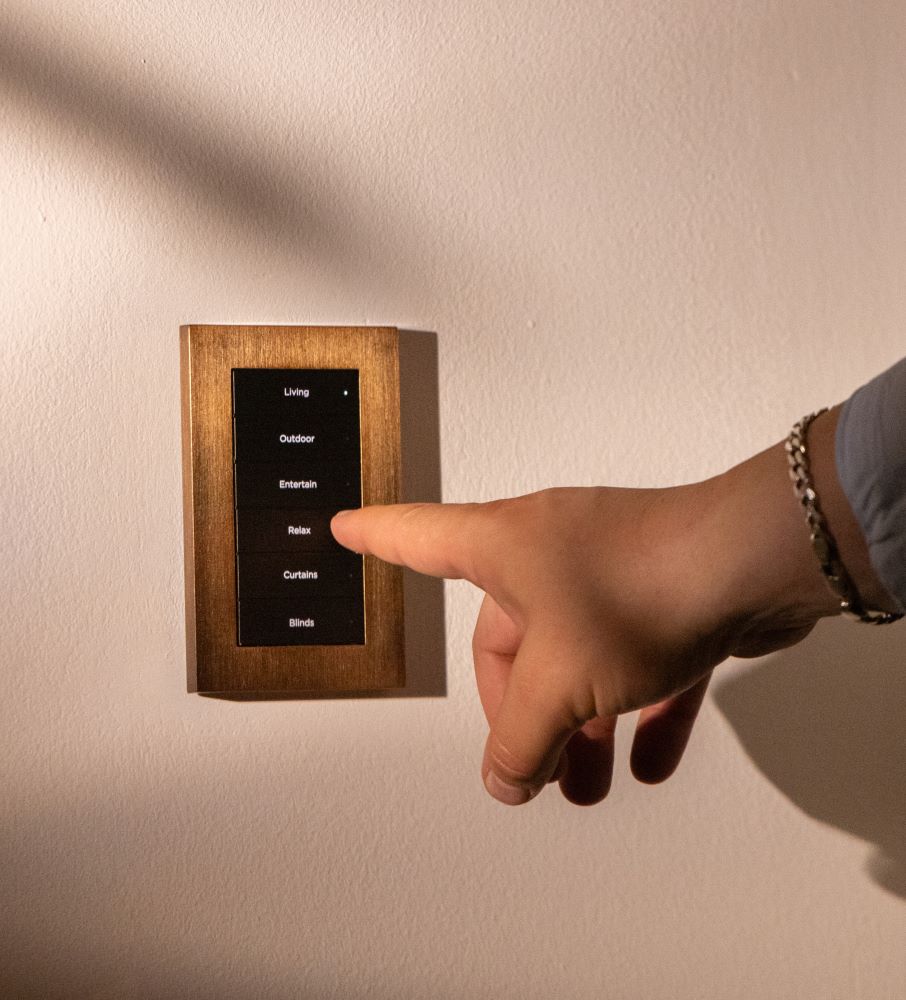
- Control4 ZigBee requires only the load wiring (standard electrical cable to the switch). The control signal goes wirelessly. Fewer runs, faster installation, lower cost.
- KNX programming (ETS) is highly technical and requires specialist training. Control4 Composer is also dealer-only, but the programming model is more intuitive for residential AV and scene logic.
- KNX has minimal native AV integration. For a home cinema or serious audio system, you'd need a secondary platform or complex gateway integration. Control4 handles AV as a core function.
Read our full platform comparison guide for more context on how Control4 sits against other professional systems.
The Hybrid Approach: What We Actually Do
The best professional smart home installations use a hybrid approach — wired where it matters most, wireless where it makes practical sense. Here's how that looks in practice for a new 4-bedroom Sydney home:
- Wired (Ethernet/CAT6): The Control4 controller, network switches, access points, IP cameras, TV points, and audio endpoints are all wired back to a central comms cabinet
- Wired (speaker cable): In-ceiling speakers in every zone, subwoofer positions in cinema room, outdoor speaker runs to entertaining area
- Wireless: Light switches (Control4 ZigBee wireless dimmers), motion sensors, door/window sensors, and portable keypads
- DALI wired: If architectural lighting is specified, DALI bus cable runs to each dimmer location from a central DALI controller
This hybrid design gives you the reliability of a wired backbone with the flexibility of wireless devices — and the total infrastructure cost is lower than a fully wired KNX solution while performing comparably for residential use. You can learn more about how this comes together in our guide to smart home automation in Sydney homes.
Cost Comparison: Wired vs Wireless for a 4-Bedroom Sydney Home
| Approach | Best for | Indicative total cost (AUD) |
|---|---|---|
| KNX fully wired — new build | Commercial, European-style prestige projects | $80,000–$200,000+ |
| Control4 hybrid — new build | Most Sydney residential new builds | $35,000–$100,000 |
| Control4 wireless — retrofit | Existing Sydney homes, renovations | $15,000–$60,000 |
| DIY wireless — retrofit | Budget-conscious, tech-enthusiast | $3,000–$15,000 + your time |
For a deeper dive into pricing across project types, see our 2026 smart home cost guide.
FAQ: Wired vs Wireless Smart Home Australia
Do I need to run new cable for a Control4 system in an existing home?
Not necessarily. Control4's wireless ZigBee lighting uses your existing electrical cable at each switch location — no new control cabling required. For other elements (cameras, audio endpoints, additional TV points), we typically run CAT6 where practical. For a retrofit in a finished home, we minimise disruption by using wireless devices wherever possible and running cable only where the performance gain justifies it — usually for cameras and primary AV points.
Is wireless reliable enough for a high-end smart home?
Yes, if the network infrastructure is designed correctly. The key is a properly configured wired Ethernet backbone (Ubiquiti UniFi) with well-placed wireless access points, proper VLAN segmentation for IoT devices, and quality-of-service prioritisation for control signals. Wireless lighting systems on a cheap home Wi-Fi network are unreliable. Wireless lighting systems on a properly engineered UniFi network are extremely reliable. The network is where professional and consumer-grade systems diverge most significantly.
What cable should I run in a new build smart home?
At minimum: CAT6 to every room (2–4 per room), speaker cable to all ceiling speaker locations, and HDMI or CAT6 home-runs from all TV points to the AV rack location. If you're specifying a wired lighting system (KNX, DALI, or Control4 wired), add the relevant bus cable. The specific requirements depend on your chosen platform and scope — a pre-wire consultation with us before framing begins is the most cost-effective way to get this right.
Will wireless smart home technology improve further?
Significantly, yes. The Matter standard, backed by Apple, Google, Amazon, and Samsung, is creating interoperability between wireless smart home devices that didn't previously exist. Thread (the underlying network protocol for many Matter devices) creates a self-healing mesh network that improves reliability without requiring a Wi-Fi connection for each device. Control4 has announced Matter support, which will expand its integration library further. Wireless smart home technology in 2026 is substantially more reliable than it was five years ago.
Is a KNX wired system worth it for a residential home in Australia?
For most residential projects in Sydney and NSW, no — the cost premium and limited local installer ecosystem doesn't deliver proportionate benefit over a well-designed Control4 hybrid system. KNX makes more sense for large-scale commercial projects, hospitality, or projects where a European design or procurement team mandates it. The exception is ultra-prestige new builds over $10M where the client specifically wants the most technically robust wired infrastructure available regardless of cost.
Book Your Free Consultation →